
6 ways teams use the Totebot Help Desk
The AI handles most conversations on its own. The Help Desk is for the ones it should not finish alone. Here are six situations where a shared team inbox earns its place, and exactly what happens in each.

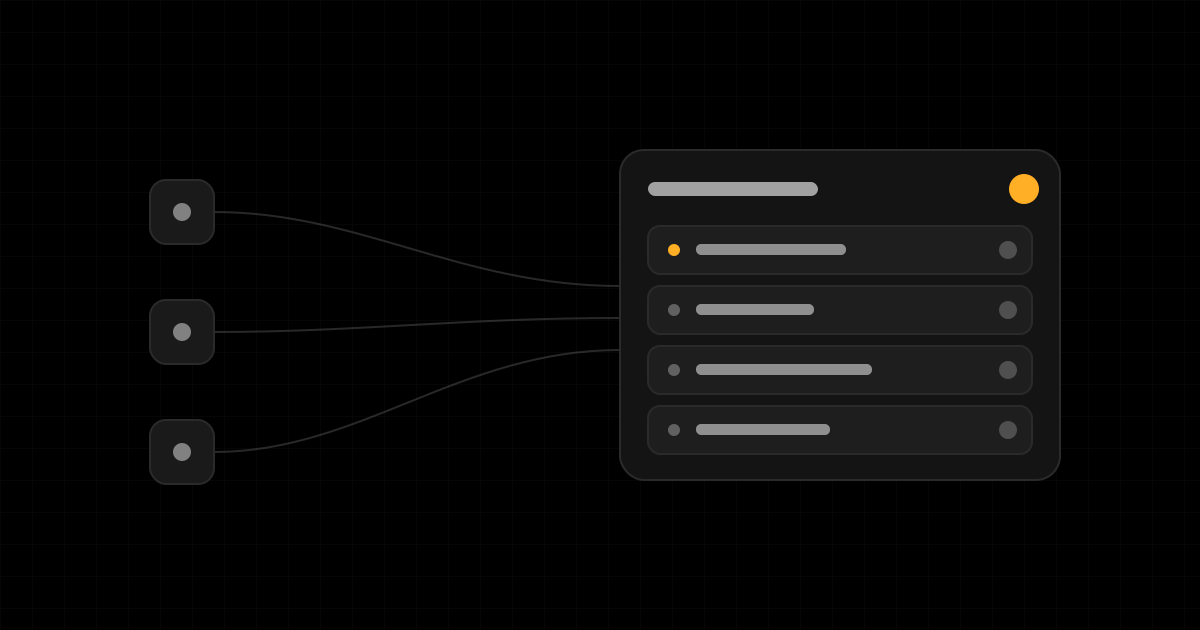
Your AI agent answers most questions on its own. The ones it cannot finish are the ones that matter most: a refund outside policy, an angry customer, a question only a person can sign off on. The Help Desk is where those land.
When an agent decides a conversation needs a human, it opens a ticket in one shared inbox for your whole team. Tickets from every agent and every channel collect in the same place, numbered per team, with the source agent shown on each one. Opening a ticket does not silence the agent: it keeps answering until one of your operators deliberately steps in. That single detail is what makes the rest of this work, so keep it in mind as you read.
Here are six concrete situations where teams reach for the Help Desk, and what the inbox actually does in each.
1. A refund the AI should not approve on its own
A customer wants to return an item that is just outside your stated window. The agent knows the policy, but bending it is a judgment call, not a lookup.
This is exactly the kind of moment to hand off. You decide per agent when it escalates and what priority the ticket gets, so a refund request can open as high priority while a "where is my order" question never reaches a person at all. The ticket arrives with the full conversation attached, so whoever picks it up reads the whole story before they reply, no "can you repeat that" required.
Tip: Tune handover per agent, not globally. A sales agent and a returns agent should escalate on different things. Set each one to hand off on the cases where a human genuinely changes the outcome.
2. After-hours questions, answered by email the next morning
A message comes in at 11pm. Nobody is online. The agent handles what it can and opens a ticket for the part that needs you.
The next morning, an operator answers straight from the inbox, and the reply goes back to the customer by email on the same thread they started. They do not need to be sitting in a live chat at midnight, and the customer is not left waiting in silence. Async replies mean the queue is something your team clears on its own schedule, not a phone that has to be picked up the second it rings.
3. Taking over a live chat in the moment
Some conversations need a person right now, while the customer is still typing. A high-value order about to fall through, a complaint heating up, a question the customer keeps rephrasing.
An operator can take over the live conversation. Taking over pauses the AI on that chat and connects the operator directly to the customer, on the channel they are already using. The customer keeps the same thread the whole time. To stop two replies going out at once, the system will not let you send on the customer's channel while the AI is still handling the chat: you take over first, then you talk.
Tip: Use a live takeover for conversations that are time sensitive or emotional. Use an email reply for everything that can wait an hour without harm. Most tickets are the second kind.
4. One inbox instead of one per agent
If you run more than one agent, a support bot on the website, a sales assistant on WhatsApp, a separate agent for a second brand, you do not want a separate queue for each. That is how messages get missed.
Every agent escalates into the same team Help Desk. A ticket shows which agent and channel it came from, so context is never lost, but your team works one list instead of hopping between several. Web, WhatsApp, Telegram, and email all feed the same inbox.
5. Routing tickets by load instead of by luck
When more than one person works the inbox, the question becomes who answers what. Left alone, the fastest clicker grabs everything and the rest sit idle.
You choose how new tickets get assigned: manually, so operators pick their own; balanced, so the person with the lightest load gets the next one; or round robin, so they take turns. Operators set their own status too, online, away, busy, or offline, so tickets route to whoever is actually available rather than whoever happens to be logged in.
Tip: Start with balanced assignment. It keeps work even without anyone managing the queue, and it stops one person quietly carrying the whole inbox.
6. Handing the conversation back to the AI
A human stepping in should be temporary. Once the issue is sorted, you want the agent back on autopilot, not the customer stuck talking to a person for every follow-up.
Resolving a ticket hands the conversation straight back to the AI. The next message the customer sends is answered by the agent again, with the full history intact, including what your operator just did. Tickets move through New, Open, Resolved, and Closed, and if the same issue comes back you can reopen one rather than starting from scratch. The handoff goes both ways, and that is the point: people handle the exceptions, the AI handles everything else.
When to reach for it
The Help Desk is not where conversations go to wait. It is where the few that need a human get one, without losing the thread, the history, or the customer's patience. If you run a team and your agent is already live, turn on handover for the cases that genuinely need judgment, pick an assignment mode, and let the inbox catch the rest.
The Help Desk is available on the Pro plan. If you want help deciding what your agents should escalate, the post on best practices for building a great agent is a good next read.
Build your own agent
Go from sign up to a live agent in an afternoon.
Keep reading
Deflection vs revenue: support is your most underrated sales channel
Most teams grade AI support by tickets deflected. That metric hides the bigger opportunity: every support question is a buying signal. Here is how to treat support as a sales channel.
Best practices for building a great agent
The habits that separate agents customers trust from agents they abandon: how to organize knowledge, write instructions that hold up, set up escalation, and improve from real conversations.